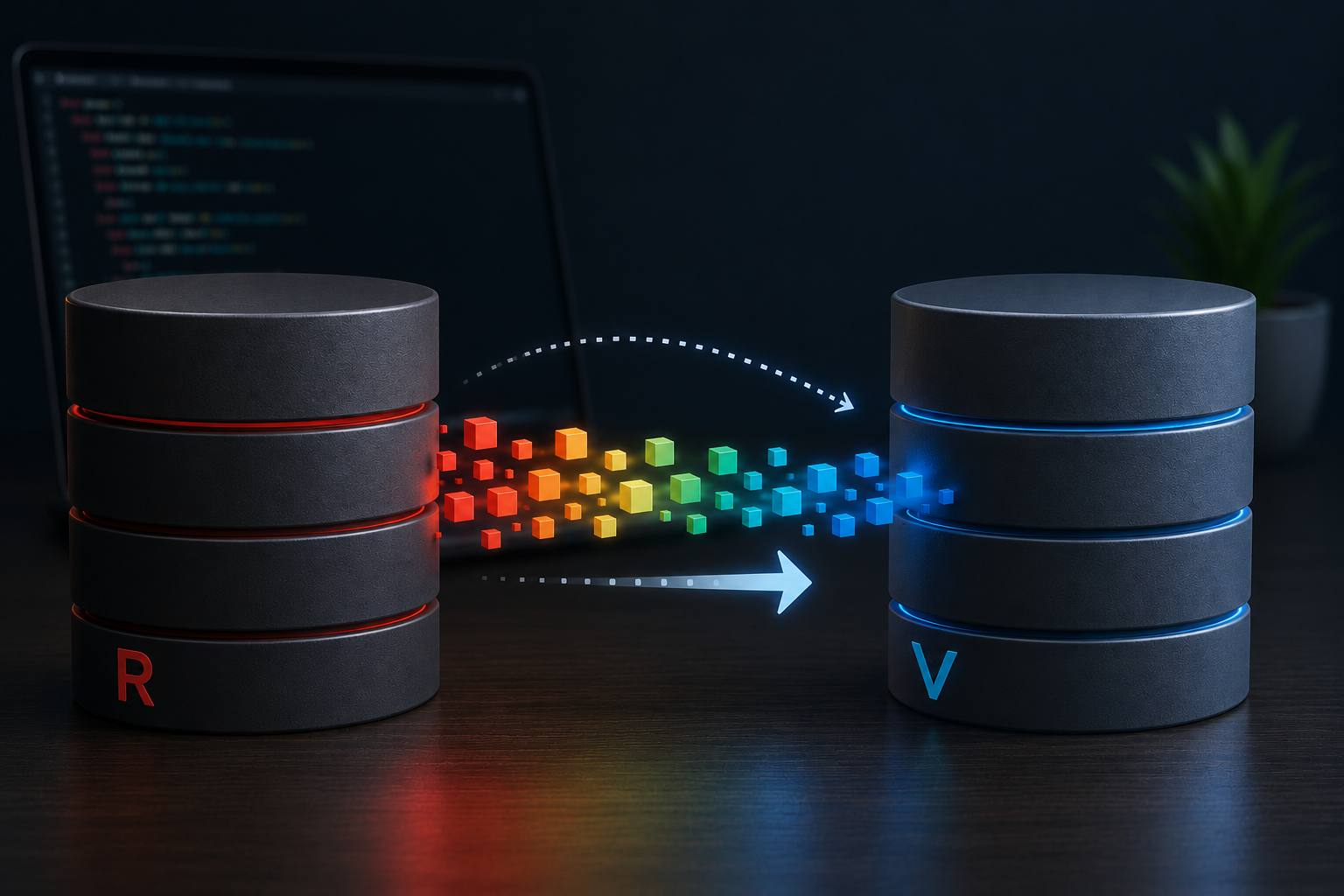
Redis’s 2024 license change pushed a lot of local dev environments toward Valkey, the Linux Foundation’s BSD-licensed fork. Swapping the server itself is trivial with Homebrew: stop Redis, unlink it, link Valkey, start it back up. Carrying your existing data across is a different problem, and most guides gloss over exactly where it gets tricky.
The obvious move is copying dump.rdb straight from Redis’s data directory into Valkey’s and letting it load on startup. That only works if Redis is still on the 7.2 baseline. Valkey forked from Redis 7.2.4 and has stayed pinned to that RDB and DUMP format ever since, while Redis’s own format kept moving. Anything from Redis 7.4 onward, which includes whatever Homebrew currently installs, produces an RDB file Valkey can’t load directly. Live replication (REPLICAOF) hits the same wall, since it depends on the same format underneath.
Finding a Tool That Actually Supports Valkey
A few migration tools get recommended for this, but not all of them apply here. RIOT-X, Redis Inc’s own successor to the older open source RIOT project, is closed source and doesn’t support Valkey as a target, despite showing up in generic “Redis migration tool” roundups. What does work is RedisShake, built by Alibaba’s Tair team and explicitly maintained as a Valkey/Redis migration tool. It’s open source, config-driven via TOML, and reads or writes either engine.
Setting Up RedisShake
RedisShake’s project lives at github.com/tair-opensource/RedisShake, with prebuilt binaries for macOS, Linux and Windows on the releases page. No need to build from source unless you’re on a platform without a prebuilt binary.
I kept everything for this task in its own directory, separate from any actual project, downloaded the macOS binary into it, and wrote export.toml and import.toml alongside it. Every redis-shake command below was run from inside that directory.
One quirk worth knowing up front: RedisShake defaults to a working directory of data/ relative to wherever you run it from, and changes into that directory before resolving any relative filepaths in your config. If your config says filepath = "./redis_dump.rdb", it’s actually looking for data/redis_dump.rdb, not a file sitting next to the config itself. It’s also where RedisShake’s own log and lock files land.
redis-to-valkey/
  ├── redis-shake           # downloaded binary
  ├── export.toml
  ├── import.toml
  └── data/                 # RedisShake's working directory
        ├── shake.log
        ├── pid.lockfile
        └── ...
The First Attempt: Scan and Export to a File
My first approach mirrored a mysqldump-style workflow: scan the live Redis instance, write everything to a file, then load that file into Valkey later.
[scan_reader]
address = "127.0.0.1:6379"

[file_writer]
filepath = "./redis_migration.aof"
type = "aof"
This ran without errors and produced a file. Importing it back with aof_reader, though, failed immediately with a bad file format error, even though redis-check-aof confirmed the file itself was perfectly valid. That pointed to a bug in RedisShake’s own AOF parser rather than anything wrong with the export, so I abandoned the file-based export step entirely, deleting the now-useless data/redis_migration.aof along with it.
What Actually Worked: A Real RDB Snapshot
Rather than relying on RedisShake to produce the intermediate file, I let Redis do what it already does well: redis-cli SAVE produces a real dump.rdb. RedisShake’s rdb_reader can parse that file structurally and replay it as commands, which sidesteps the AOF bug and also sidesteps the version incompatibility that broke a straight file copy in the first place.
[rdb_reader]
filepath = "./redis_dump.rdb"

[redis_writer]
address = "127.0.0.1:6379"

[advanced]
target_redis_proto_max_bulk_len = 0
That last setting matters more than it looks. By default, RedisShake writes small values using Redis’s binary RESTORE command, which embeds the same versioned DUMP payload format that broke the raw file copy. RedisShake’s own documentation calls migrating from a newer instance to an older one a “downgrade” scenario for exactly this reason, since Valkey is effectively the older format here regardless of its own version number climbing past Redis’s. Setting target_redis_proto_max_bulk_len to 0 forces every key through plain RESP commands (SET, HSET, RPUSH, and so on) instead, avoiding the incompatibility entirely. You’ll see a warning logged for every key when this is active. That’s expected, not a problem, it just means the fallback path is doing its job.
With Redis stopped, unlinked, and Valkey linked and running in its place, this config ran clean.
Verifying Across Multiple Databases
A plain redis-cli DBSIZE after the import looked alarming, just a couple of keys, nowhere near what scrolled past in the log. DBSIZE only reports whichever logical database you’re connected to, though, and my Redis setup splits cache, sessions and persistent data across separate DB indexes.
Checking each index individually told the real story:
redis-cli -n 0 DBSIZE
redis-cli -n 1 DBSIZE
redis-cli -n 2 DBSIZE
Once totaled across the databases that actually mattered, the counts lined up almost exactly with an independent read from the source RDB via redis-check-rdb. Cache and session data being lighter than expected wasn’t a bug, either, both are transient by design and don’t need to survive a migration intact.
Key Takeaways
- A straight RDB file copy or live replication only works between Redis and Valkey if the source is still on the Redis 7.2 baseline.
- Not every tool that claims Redis migration support actually supports Valkey. Verify before you rely on one.
- If a migration tool’s own file export doesn’t survive its own re-import, fall back to a plain
redis-cli SAVEand let the tool’s RDB reader do the parsing. - Force plain RESP commands instead of binary
RESTOREwhen migrating across a format-incompatible version gap. - Check
DBSIZEper logical database, not just the default one, before trusting a migration count.